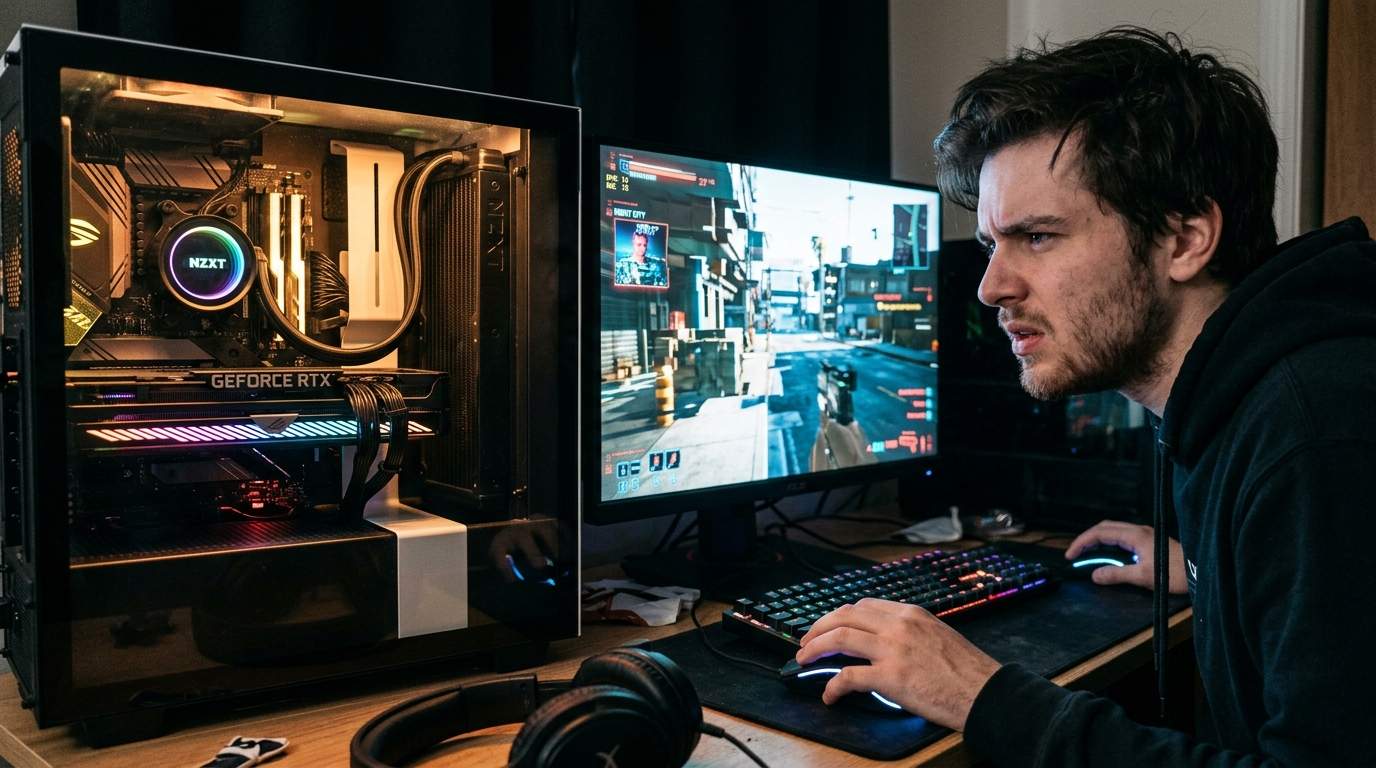
Alright, settle down, you old pixel-pushers. Hear me out. You just dropped a fat stack on that shiny new AAA title, probably convinced yourself it’s "next-gen," only to be greeted by a frame rate that looks like a slideshow, cutscenes that stutter like a broken record, and latency spikes that turn every boss fight into a coin flip. Sound familiar? Your mate with a similar rig is gloating, and the official forums? Just echo chambers screaming "upgrade your CPU/GPU" or "wait for a patch."
Let's cut the bull. You didn't buy that rig last year to be told it's already obsolete. This isn't a post-mortem; it's an intervention. I'm here to save your wallet, optimize your existing beast, and arm you against the slick marketing traps that drain your bank account. You want to dodge performance pitfalls without spending another dime? You want to actually enjoy your games? Listen up.
First off, most of these "next-gen" stutters aren't your hardware throwing a tantrum. It's often lazy optimization, particularly with shader compilation. Ever notice that nasty stutter during your first playthrough of an area or cutscene? That's your GPU scrambling to compile shaders on the fly. Some games handle this elegantly; others dump the load squarely on your system and call it "immersive." There's no magic fix for this in-game, but patience on the first run often helps. After that, those shaders should be cached, and things should smooth out. If they don't, it's a dev problem, not yours.
Now, for those persistent frame drops. Beyond the initial shader mess, it often boils down to poorly implemented DirectX 12 features or VRAM overcommitment. Developers often use high-resolution textures by default, assuming everyone has a 24GB VRAM monster. Most of us don't. Check your texture quality settings first. Dropping them down a notch from 'Ultra' to 'High' often halves VRAM usage with almost imperceptible visual difference, boosting your frame rate significantly. Seriously, it's the biggest bang for your buck on the screen settings.
Don't let these companies convince you that upgrading is the only way. Half the battle is managing your existing settings and understanding compatibility. Get into your GPU driver settings, too. Ensure your drivers are clean – a DDU uninstall followed by a fresh driver install can work wonders. Disable any overlays you don't absolutely need. Sometimes simple background processes are gobbling up precious resources.
For my hardcore competitive players, often you blokes who live and breathe every frame: forget 'Ultra' eye candy. Your goal is stable frame rate and minimal input lag. Prioritize shadows, volumetric clouds, and anti-aliasing down. These are FPS killers. Aim for a consistent 120+ FPS, even if it means sacrificing a pixel or two. Don't fall for "version traps" where a new patch promises fixes but tanks performance – always check community reports before updating critical games. Your cost-effectiveness here is about winning, not looking at pretty grass.
And for my more casual, story-driven gamers, maybe those of you who appreciate the aesthetics without the competitive sweat: you don't need to chase max settings. Find a sweet spot that feels smooth and looks good. Dynamic resolution scaling (like AMD FSR or Nvidia DLSS) is your best friend. Set it to 'Quality' or 'Balanced,' and let the tech do the heavy lifting. You get beautiful visuals and stable performance, without the need for an exotic GPU. Avoid getting sucked into games with predatory in-app purchases or "card pools" that demand endless grinding or cash for cosmetic gear. Enjoy the narrative, not the grind for digital trinkets.
Look, they want you to feel inadequate, to constantly chase the next upgrade. It's a lucrative cycle for both hardware manufacturers and developers who ship unoptimized code. They release titles, rely on "day-one patches" that barely scratch the surface, and then tell you your perfectly good system is the problem. It's a racket.
So, stop blaming your PC. It's doing its best with what it's given. Tweak those settings, learn what actually affects performance, and don't be a mark for the "upgrade or suffer" crowd. There's almost always a fix or a compromise that doesn't involve selling a kidney. Now go forth, reclaim your frame rates, and tell me in the comments what kind of performance wizardry you've pulled off.
Disclaimer: Mention of any brand or trademark is for identification only and does not imply partnership or endorsement